Document and share in real time
Collaborative editor with rich formatting to document processes, share knowledge across teams, and build an internal knowledge base that everyone can find and update.
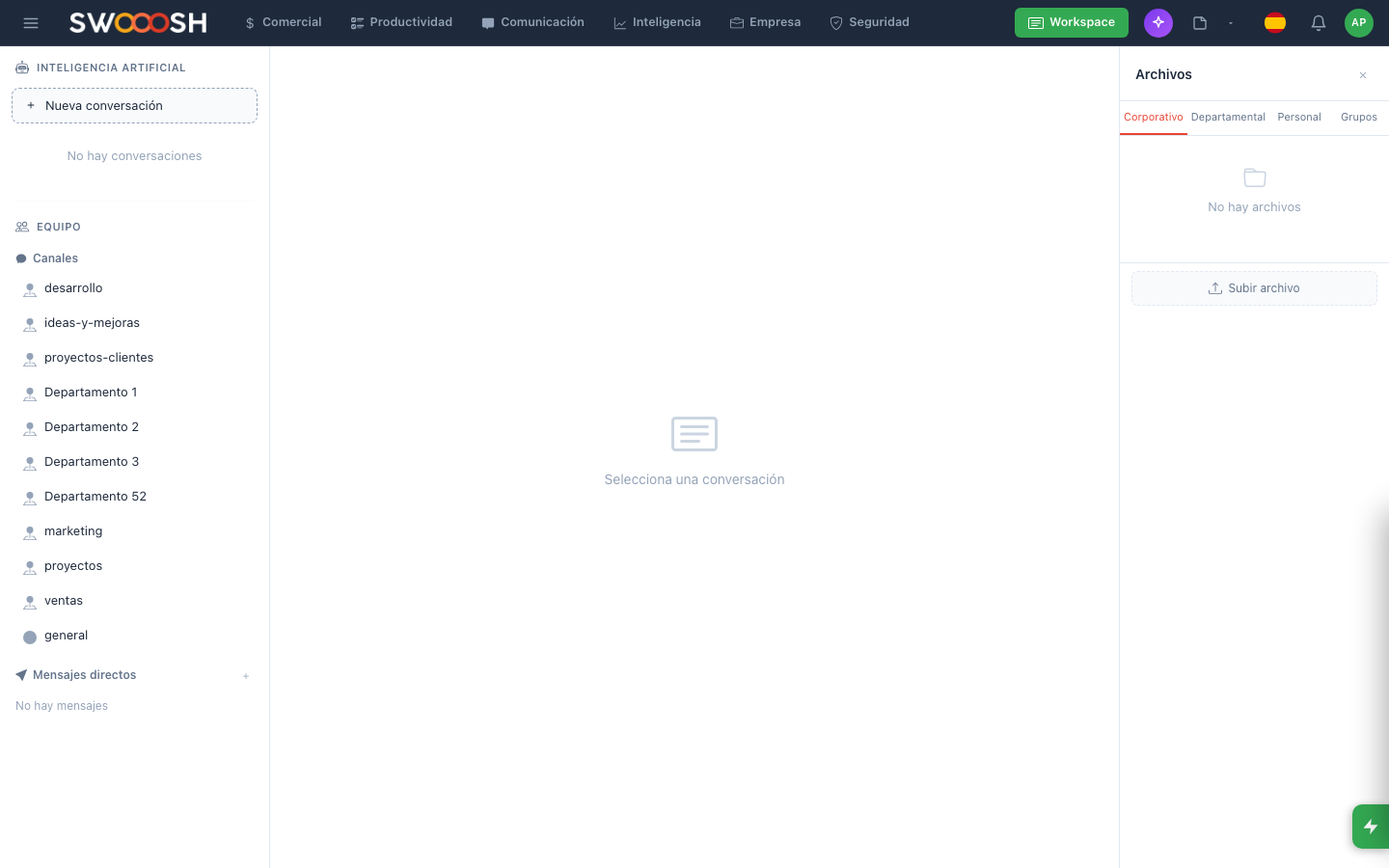
Collaborative editor: document processes and share knowledge in real time.
Knowledge is trapped inside people's heads
Processes are not written down. Documentation lives in scattered files nobody can find. When an employee leaves, they take their knowledge with them. Teams repeat mistakes because there is no centralized place to learn from what has already been done.
Does your team waste time looking for information that already exists?
There is a better wayEverything you need to document and share
Rich editor: headings, tables, lists, code, and more.
Real-time rich text editor
An editor with advanced formatting where multiple users can write simultaneously. Headings, tables, lists, code blocks, images, and file attachments. Similar to Notion, but integrated with the rest of your enterprise platform.
- Simultaneous editing with real-time cursors
- Rich formatting: tables, lists, code, images
- Version history and change tracking
- User mentions and notifications
Pre-built templates to create documents quickly.
Templates by document type
Create documents from pre-built templates: meeting minutes, standard operating procedures, onboarding guides, technical manuals. Define your own templates so your team maintains a consistent format.
- Pre-built templates for common use cases
- Custom templates per team
- Dynamic variables (date, author, department)
- One click to create from template
Organize by folders and tags, search across all content.
Folders, tags, and smart search
Organize documents in nested folders and assign tags to classify them. Search indexes the full content of every document, not just the title. Find any information in seconds, no matter how many documents you have.
- Nested folders with unlimited levels
- Customizable tags per team
- Full-text search across all content
- Filters by author, date, and tag
Granular permissions: control who views and who edits each document.
Granular permissions per document
Control who can view, edit, or share each document. Assign permissions by user, team, or department. Confidential documents stay private; public processes are available to everyone.
- Read, edit, and admin permissions
- Assignment by user, team, or department
- Public and private documents
- Access log for each document
Ready to centralize your company's knowledge?
I want to see a demoTechnical details of notes
Real-time rich editor
Simultaneous editing
Custom templates
Nested folders
Full-text search
Per-document permissions
Version history
Export to PDF
Teams that document across all industries
Collaborative notes adapt to any team that needs to document, share, and find information.
About collaborative notes
They are a document editor built into the platform where your team can create, organize, and share business documentation. They work as an internal knowledge base with rich formatting, templates, and full-content search.
Yes. The editor supports simultaneous real-time editing. Each user has their own visible cursor, and changes sync instantly. There are no version conflicts or locked files.
For internal business documentation, yes. The main advantage is that notes are integrated with the CRM, calendar, tasks, and all other Nabú modules. You do not need to leave the platform to document processes or share information.
Search indexes the full content of every document, not just the title. You can search for any word or phrase and the system shows all documents that contain it, with the relevant fragment highlighted. You can also filter by folder, tag, author, or date.
Yes. Any document can be turned into a template. Define the structure, fields, and format, and your team will be able to create new documents from that template with one click. It also includes pre-built templates for meeting minutes, procedures, and guides.
Centralize your company's knowledge in one place accessible to everyone.
Request a demo