One place for your entire team
Collaborative boards, shared documents, and visual project organization. Your team works in the same space, in real time, no matter where each person is located.
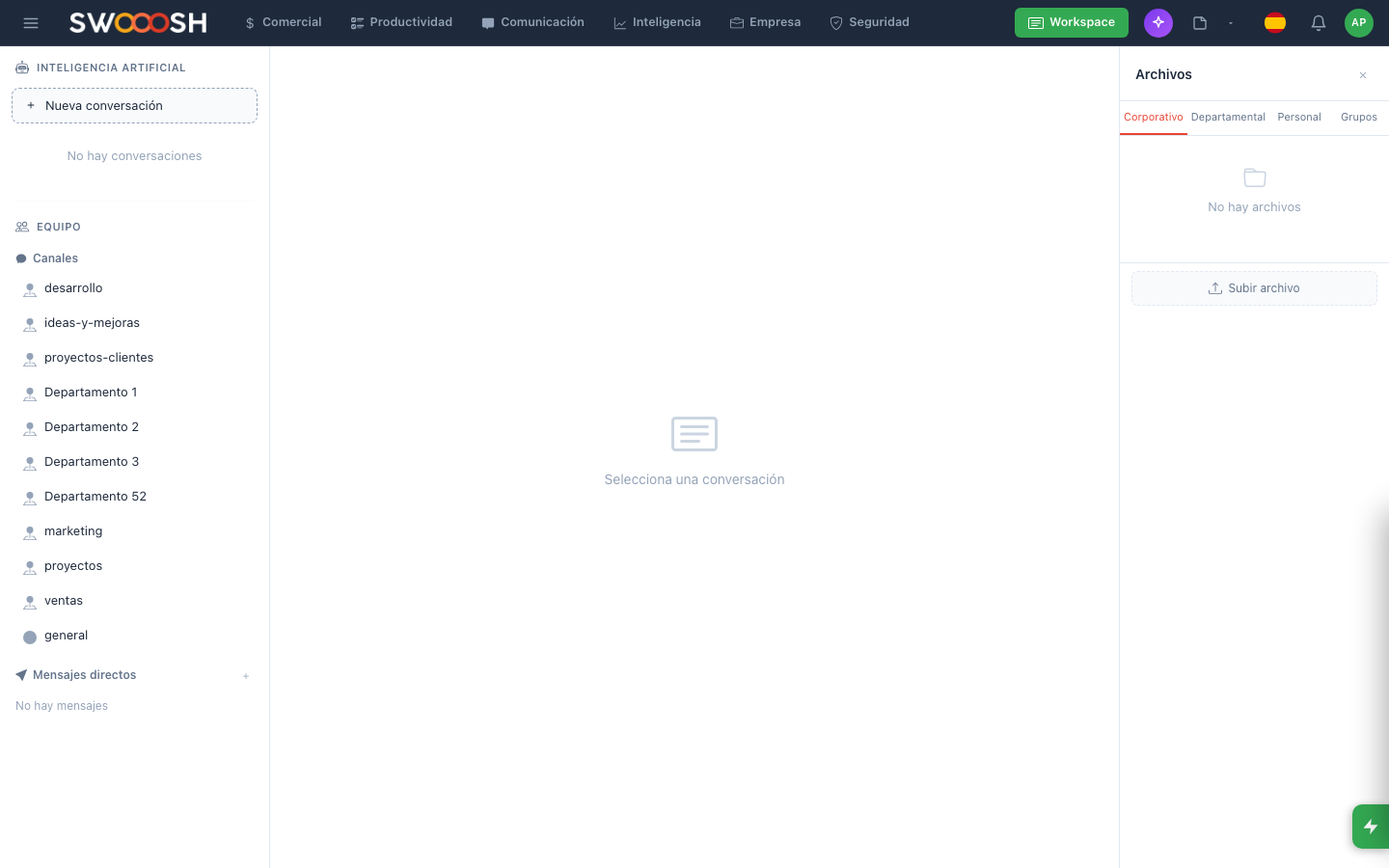
Boards, documents, and projects in one collaborative space.
Information scattered across five different tools
Files in Google Drive, notes in Notion, conversations in Slack, tasks in Trello. Your team spends time searching for information instead of working. Nobody knows where the final version is or who updated what.
Does your team waste time searching for files and notes?
There is a better wayAll your work in one single space
Visual boards where the whole team organizes and prioritizes work.
Real-time collaborative boards
Create visual boards to organize your team's work. Every member sees changes instantly: cards moved, new comments, attached files. No need to refresh the page or ask "did you update it yet?".
- Customizable columns and cards
- Changes visible in real time for everyone
- Comments and mentions on each card
- Labels, priorities, and due dates
Documents with simultaneous editing: everyone writes, nobody overwrites.
Documents with simultaneous editing
Create and edit documents alongside your team. Each person has a visible cursor, changes save automatically, and version history is always available. Meeting notes, proposals, manuals: everything lives in the same place.
- Simultaneous editing with visible cursors
- Automatic saving with no conflicts
- Complete version history
- Rich formatting, tables, and images
Organize by project, department, or team. Everything in its place.
Organization by project and department
Structure your workspace into spaces by project, department, or team. Each space has its own boards, documents, and members. Your team finds what it needs without searching through other people's folders.
- Separate spaces per project or department
- Granular permissions per space and document
- Clear hierarchical navigation
- Unified search across the entire workspace
Connected with Nabú chat and tasks: no app switching needed.
Connected with chat and tasks
The workspace integrates with Nabú's internal chat and task module. Mention a document in chat, turn a comment into a task, or link a board card to a conversation. Everything connected, without leaving the platform.
- Document mentions in chat
- Turn comments into tasks
- Real-time change notifications
- Cross-links between modules
Ready to centralize your team's work?
I want to see a demoTechnical details of the Workspace
Visual boards
Collaborative documents
Simultaneous editing
Unified search
Granular permissions
Real-time activity
Integrated chat
Open API
Teams across every industry
The workspace adapts to any way of working. These industries already use it to centralize their teams' collaboration.
About the Nabú Workspace
It is a digital space where your team organizes all its work: visual boards for managing projects, shared documents with real-time editing, and a structure by department or team. Everything centralized in one place within Nabú.
Yes. Multiple people can edit the same document simultaneously. Each user has a visible cursor with their name, changes save automatically, and version history lets you go back to any previous point.
It can. The workspace includes rich-text documents, Kanban-style boards, and hierarchical organization. The advantage is that everything is connected with chat, tasks, and other Nabú modules, eliminating the need to switch between applications.
The workspace is structured into spaces by project, department, or team. Within each space you can create boards, documents, and folders. Unified search finds any content across the entire workspace in seconds.
Yes. Permissions are configured at the space, board, or individual document level. You can define who can view, edit, or manage each resource. Administrators have complete visibility of their organization's workspace.
Centralize boards, documents, and projects in one space for your team.
Request a demo