AI Calendar that organizes your team automatically
Visual calendar with online booking, resource management, and AI-powered appointment assignment. Your team stops wasting time coordinating schedules and your clients book in seconds.
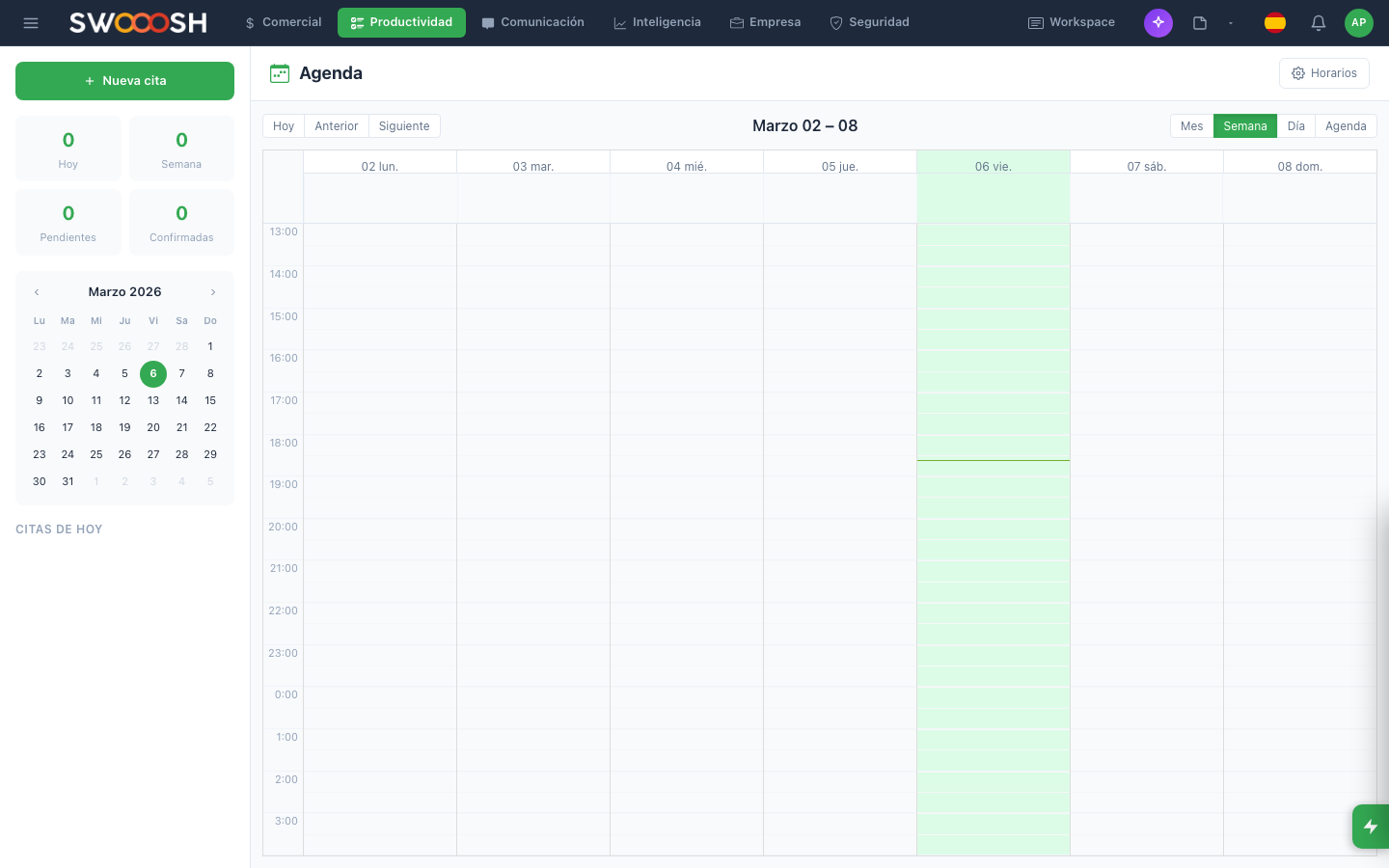
Visual calendar with daily, weekly, and monthly views to coordinate your entire team.
Your team wastes hours coordinating schedules manually
Phone calls to confirm appointments, WhatsApp messages to reschedule, spreadsheets to track availability. 35% of administrative time goes to coordinating calendars. Meanwhile, clients wait and appointments get lost.
Is your team still scheduling appointments via WhatsApp?
There's a better wayEverything you need to manage your schedule
Weekly view with appointments by resource, color coding by type, and real-time availability.
Visual calendar with multiple views
See your entire team's schedule in one place. Switch between daily, weekly, and monthly views with a single click. Each resource or professional gets their own column, with colors identifying appointment types and real-time availability.
- Daily, weekly, and monthly views
- Columns per resource or professional
- Color coding by appointment type
- Drag and drop to reschedule
AI suggests the best time slot based on availability, workload, and preferences.
AI-powered smart scheduling
AI analyzes your team's availability, each professional's workload, and client preferences to suggest the perfect time slot. Reduce scheduling conflicts and distribute workload evenly, without anyone having to check calendars manually.
- Automatic optimal time slot suggestions
- Even workload distribution across the team
- Conflict detection before confirmation
- Automatic rescheduling on cancellations
Your clients book appointments online by choosing service, professional, and available time.
Online booking for clients
Share a booking link and let your clients schedule appointments directly. They choose the service type, professional, and available time slot. The appointment is confirmed automatically and both parties receive reminders via email and WhatsApp.
- Customizable booking link per business
- Service, professional, and time selection
- Instant automatic confirmation
- Email and WhatsApp reminders
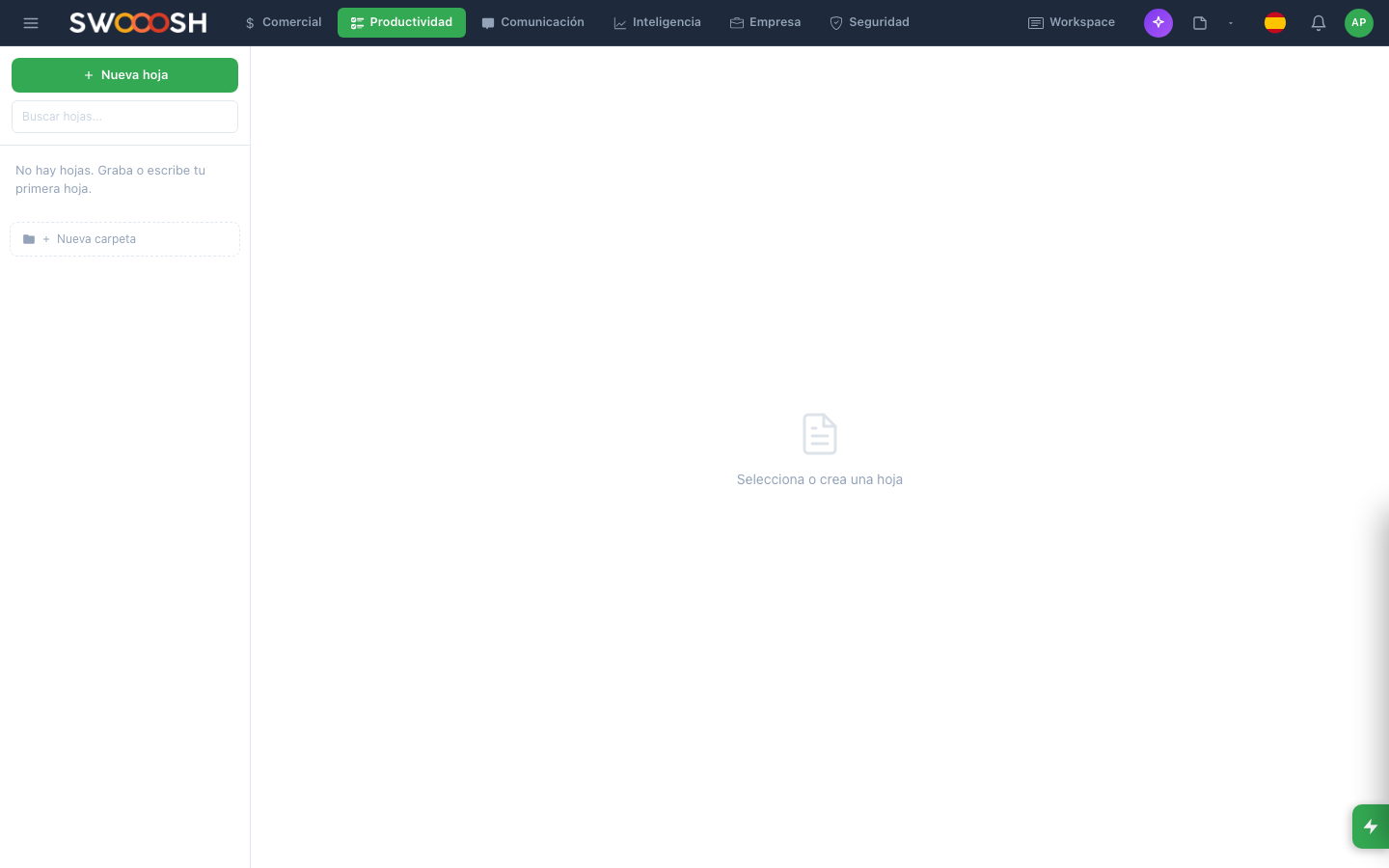
Manage resources, tasks, and availability from a single panel integrated with the calendar.
Integrated resource & task management
Define rooms, equipment, and professionals as calendar resources. Configure each one's availability by day and time. Team tasks sync with the calendar so no one has appointments and tasks conflicting.
- Configurable resources: rooms, equipment, professionals
- Customizable availability per day and time
- Tasks synchronized with the calendar
- Automatic blocking of busy time slots
Ready to automate your schedule?
I want to see a demoTechnical details of the Calendar
Daily, weekly, monthly views
Multi-resource
Real-time availability
Automatic reminders
Online booking
AI-powered assignment
Email notifications
Open API
Connect the Calendar with your tools
The Nabú Calendar integrates with the tools your team already uses. Sync events, avoid conflicts, and centralize your entire schedule in one place.
Google Calendar
Microsoft Outlook
WhatsApp Business
Zoom
Google Meet
Slack
Teams that organize their schedule with Nabú
The Calendar adapts to any industry that needs to manage appointments, resources, and availability.
About the Nabú Calendar
Nabú generates a personalized booking link for your business. Your clients access the link, choose the service type, professional, and an available time slot. The appointment is confirmed automatically and both parties receive reminders via email and WhatsApp before the appointment.
AI analyzes each professional's availability, current workload, and client preferences to suggest the optimal time slot. It also detects conflicts before confirming an appointment and automatically redistributes appointments when cancellations occur.
Yes. Each professional or resource has their own availability configuration by day and time. You can define working hours, breaks, days off, and vacations. The system automatically blocks unavailable time slots so clients only see real options.
Yes. Online booking doesn't require clients to create an account. They only need to enter their name, email, and phone number when booking. If the client already exists in your CRM, the system automatically links them to maintain a complete history.
Yes. The Nabú Calendar syncs bidirectionally with Google Calendar and Microsoft Outlook. Appointments created in Nabú appear in your personal calendar and vice versa, preventing conflicts and duplicates.
Automate your schedule, let clients book online, and organize your team with AI.
Request a demo